01
Draw your own gesture
Record a single-stroke gesture that fits the way you work.

Open your everyday actions with a natural mouse gesture.
Supports Intel & Apple Silicon (M-series) Macs
From ideas to everyday life
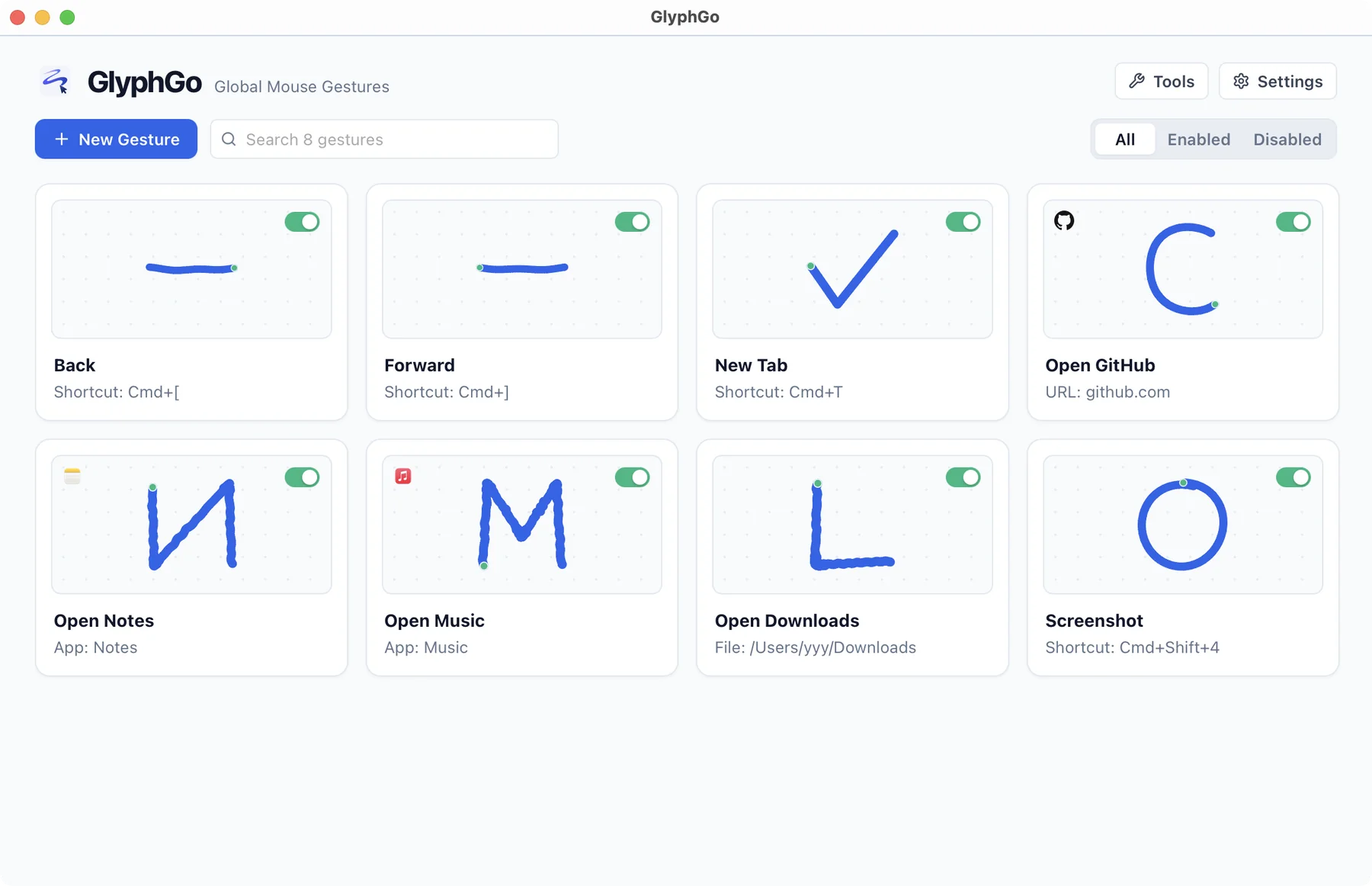
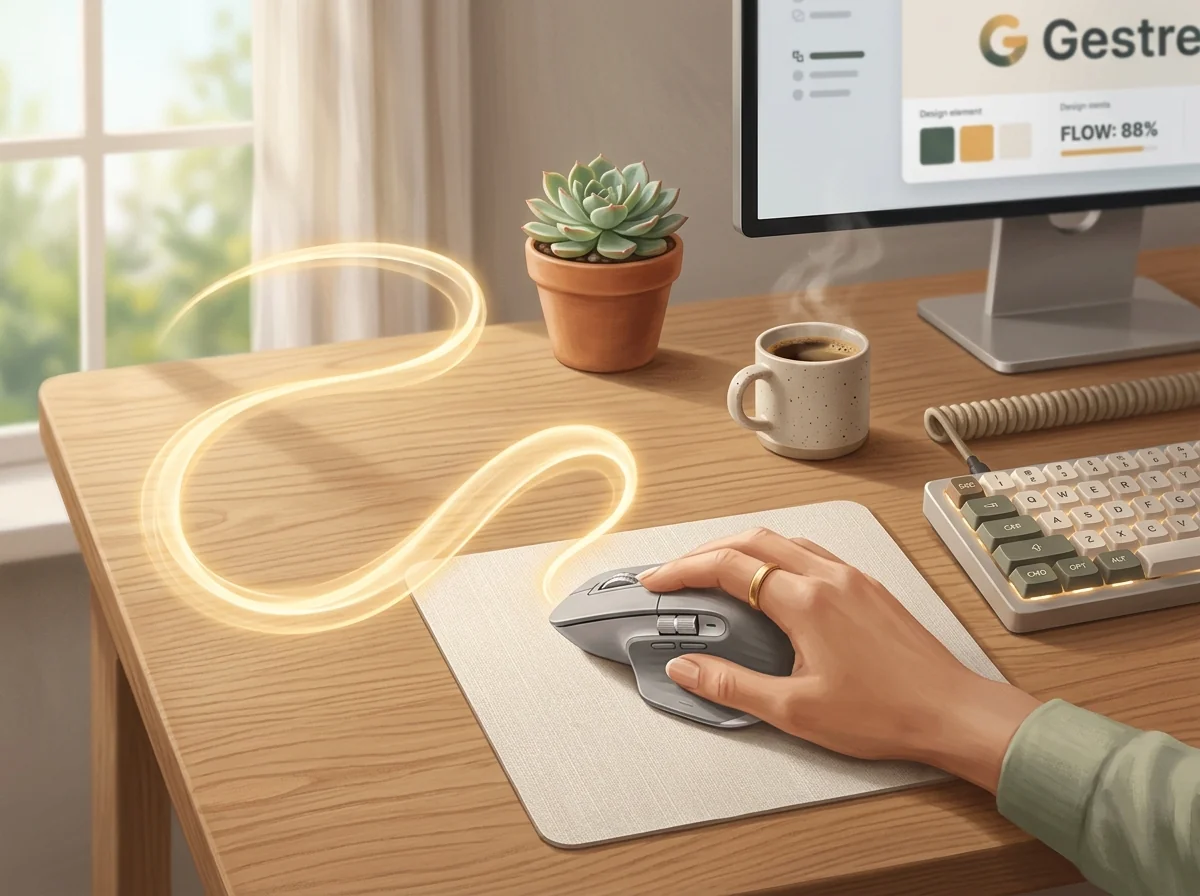
Link an app, website or shortcut to a gesture you draw yourself. Make repeated actions lighter and keep your attention on what you are doing.
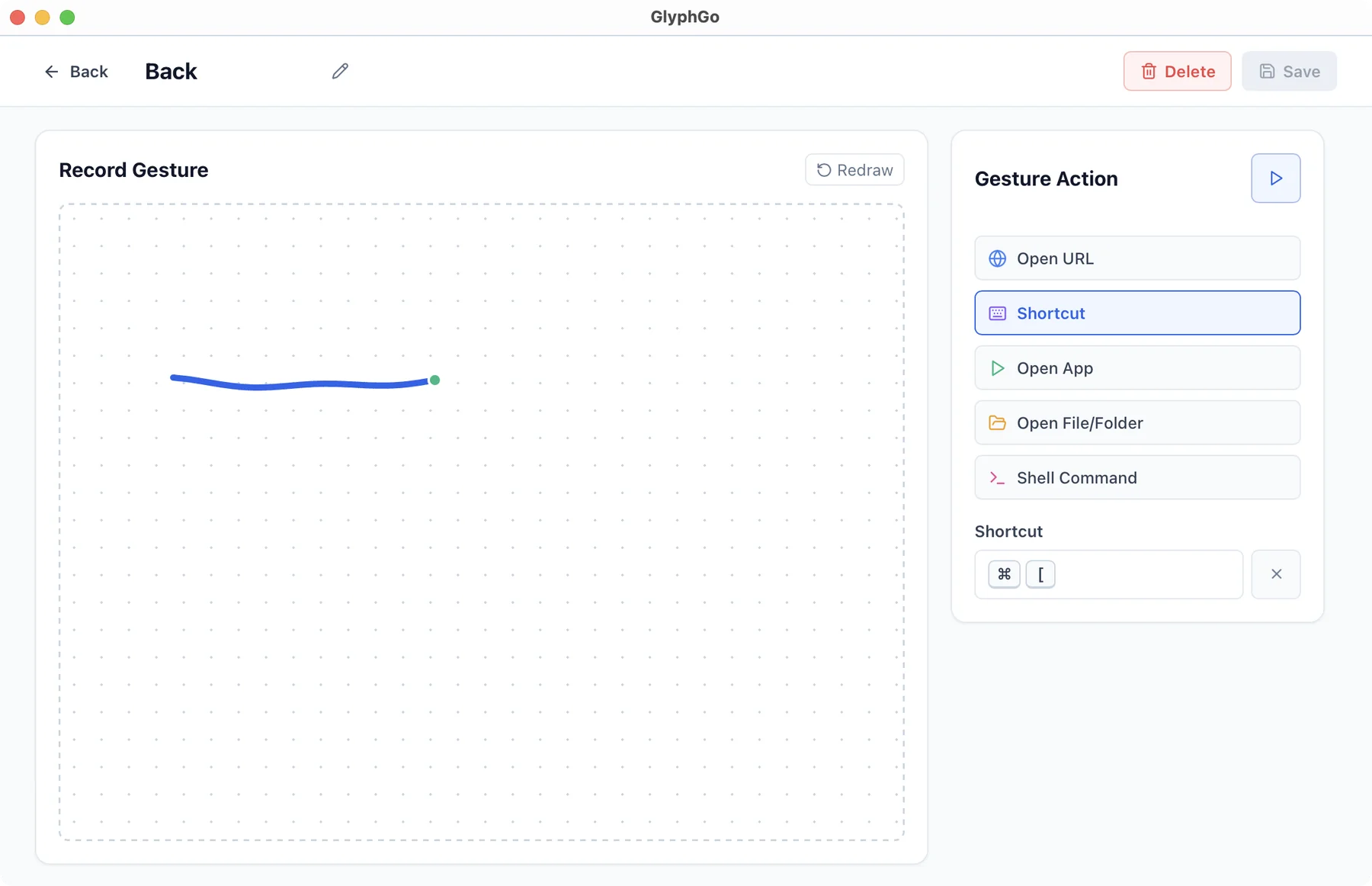
Record a single-stroke gesture that fits the way you work.
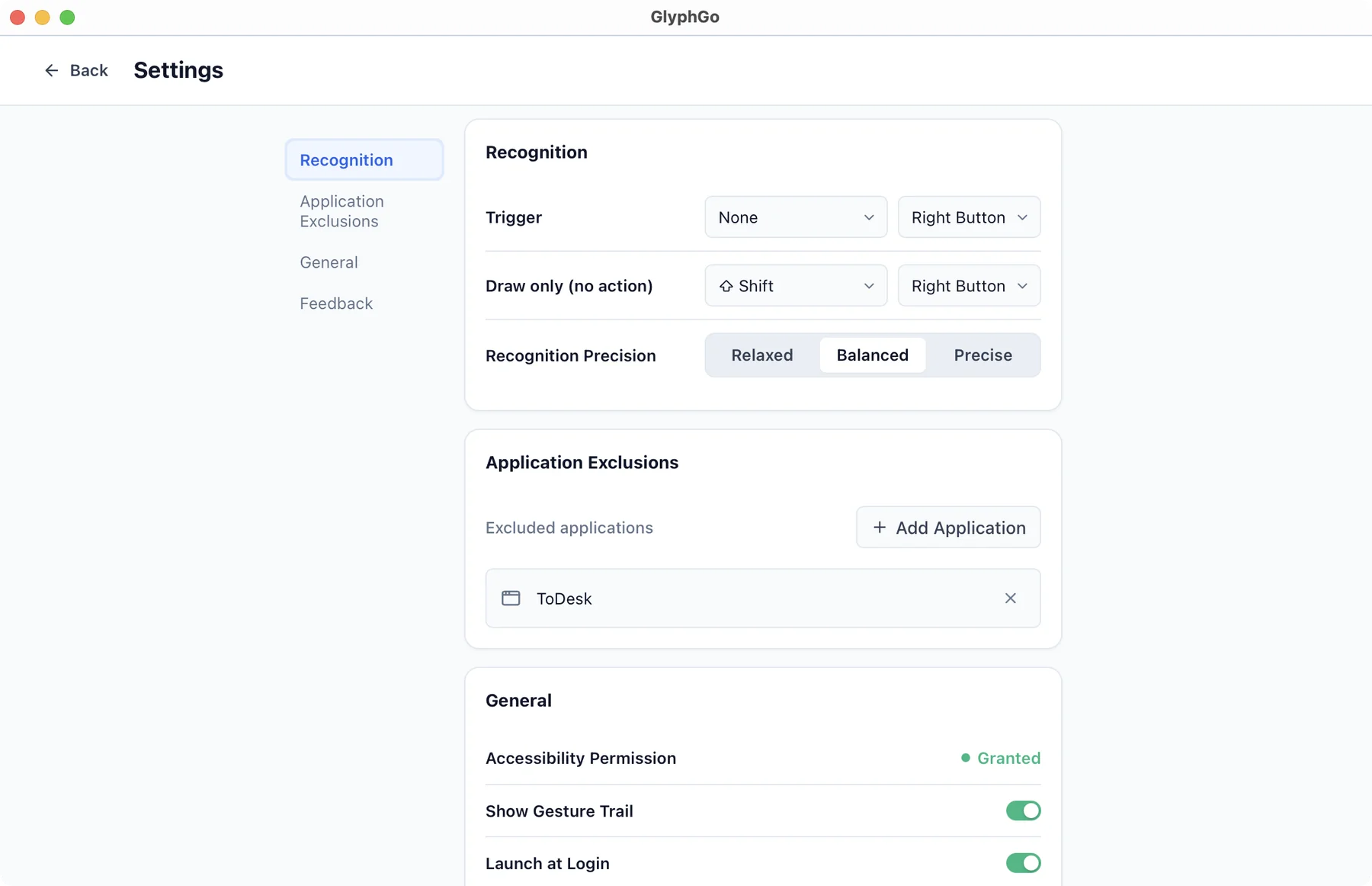
Bind applications, files, websites and shortcuts, with custom trigger keys and exclusions.
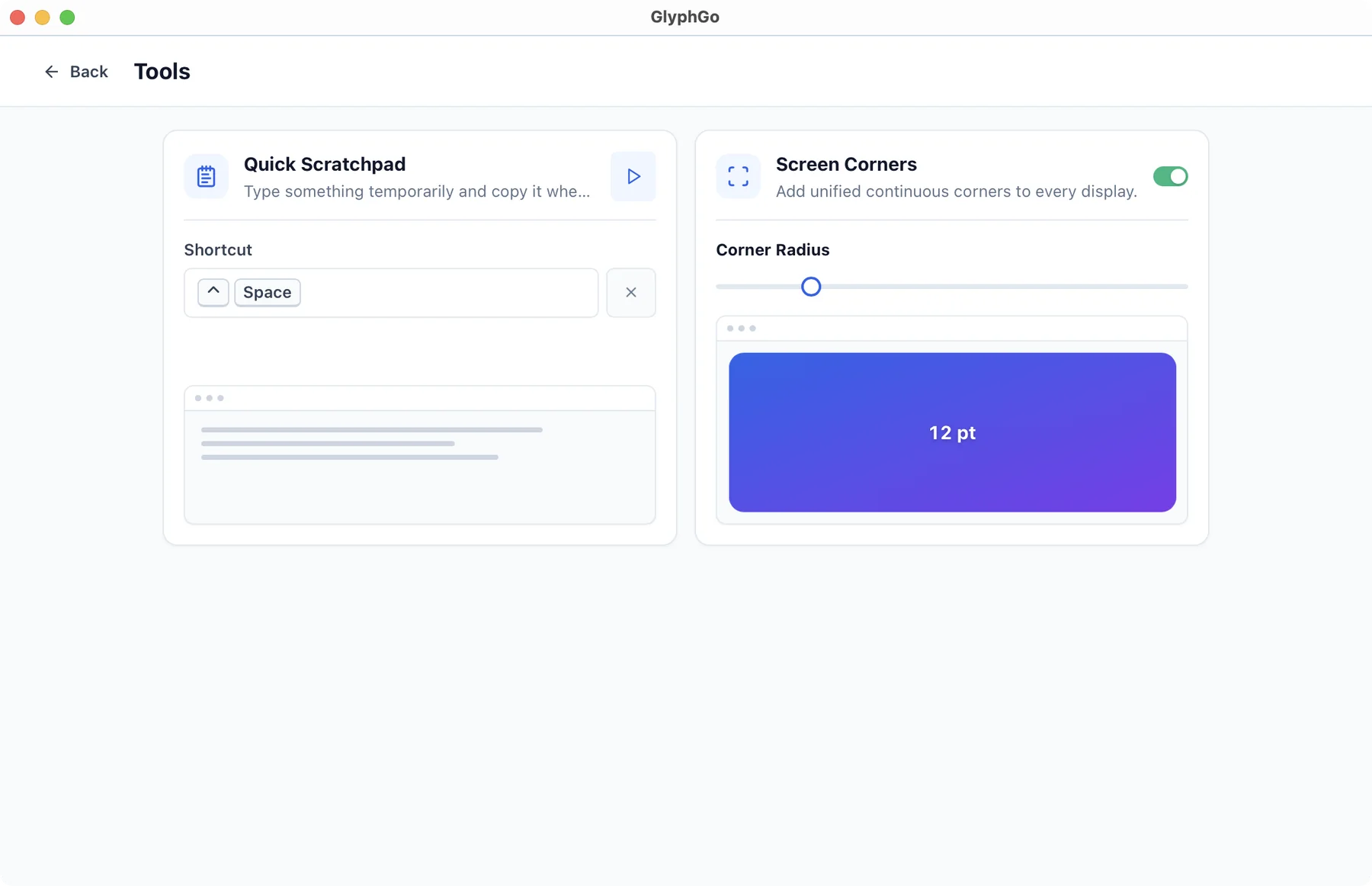
Built-in scratchpad text and screen rounded corners for quick notes and desktop convenience.
FAQ
No. Native macOS trackpad gestures rely on multi-finger swipes for system actions like Mission Control or switching spaces. GlyphGo focuses on single-stroke mouse paths drawn while holding a designated trigger key, operating on a completely independent interaction layer.
No. Gestures only activate when holding your configured trigger key and drawing a deliberate stroke. For creative software like Photoshop or Figma where pointer precision is critical, you can add apps to an exclusion list to automatically disable gesture listening while those apps are active.
You can bind gestures to launching applications, opening URLs or files, firing keyboard shortcuts, or running shell commands. A built-in scratchpad tool also lets you quickly write reusable snippets straight to your clipboard.
GlyphGo fully supports macOS, running natively on both Intel and Apple Silicon (M-series) Macs. To detect mouse strokes across applications and simulate shortcut keys, macOS Accessibility and Input Monitoring permissions are required; it runs strictly locally with no network upload of your input.